A Beginner's Guide to Queue Management Systems: Hardware, Software, and Staff Roles
Watch the front desk of a busy clinic at nine in the morning and you can usually tell within a minute whether the queue is managed or merely endured. In one version, people stand in a loose crowd, each quietly calculating whether the person who arrived after them will be called first. In the other, they take a ticket, sit down, and watch a screen that tells them where to go and roughly how long it should take.
Nothing about the workload changed between those two scenes. What changed is that arrival, waiting, and service each have a structure. A queue management system is simply the set of tools and habits that creates that structure — and it comes in three layers that have to fit together: hardware, software, and people.
The Three Jobs Every Queue System Does
Strip away the branding and every system, from a paper ticket roll to a cloud-connected kiosk network, does three things:
- Capture the arrival. Something records that a person is waiting and what they need — a ticket, a check-in, a QR scan, a booking.
- Order the wait. Rules decide who is served next: first come first served, priority customers, appointments, or specialist work.
- Direct the service. Staff and customers get told where to go and when, usually through a call, a display, or an announcement.
When a queue feels chaotic, at least one of those three is failing. Tickets but no displays? Arrivals are captured, but nobody is directed. Displays but no rule for priority cases? The screen is honest, and the customer who has been standing for twenty minutes is not impressed.
Hardware: The Parts People Touch
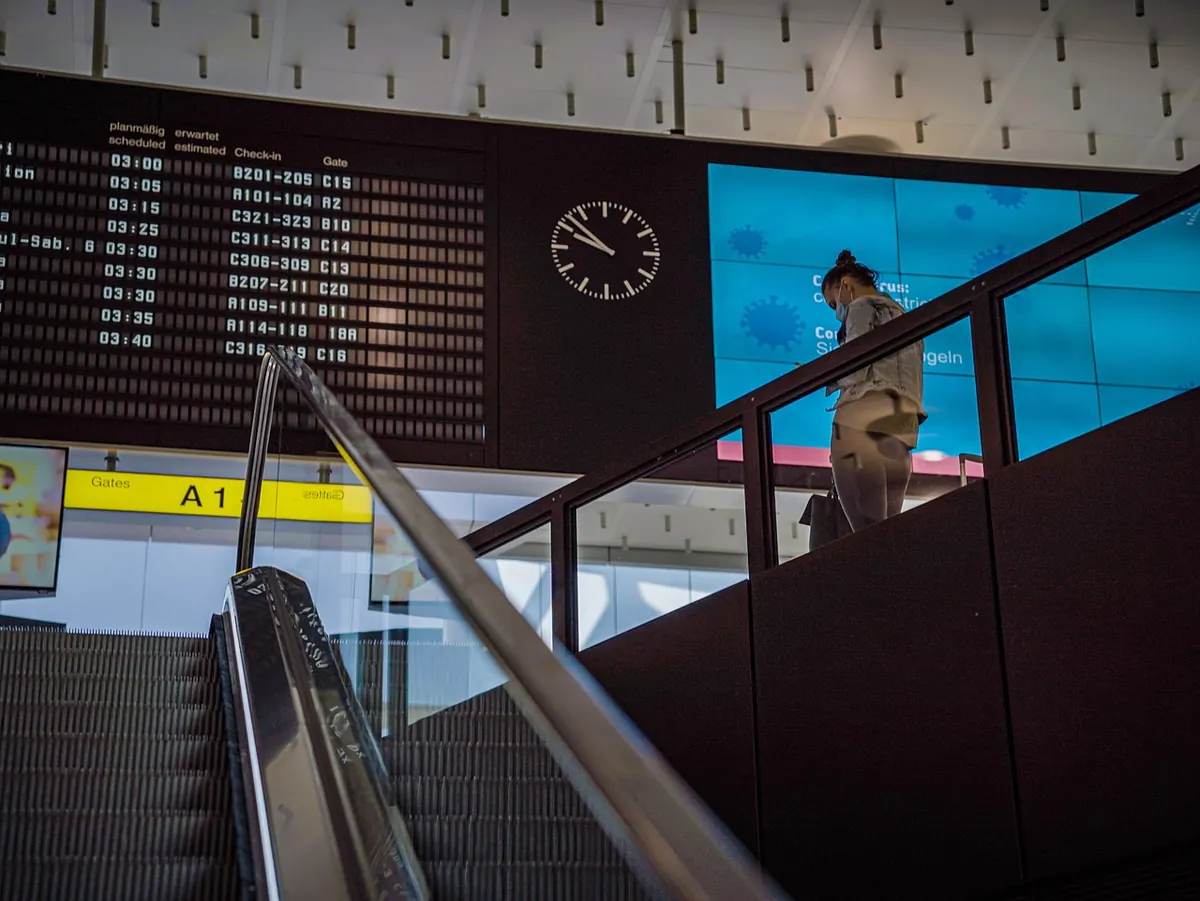
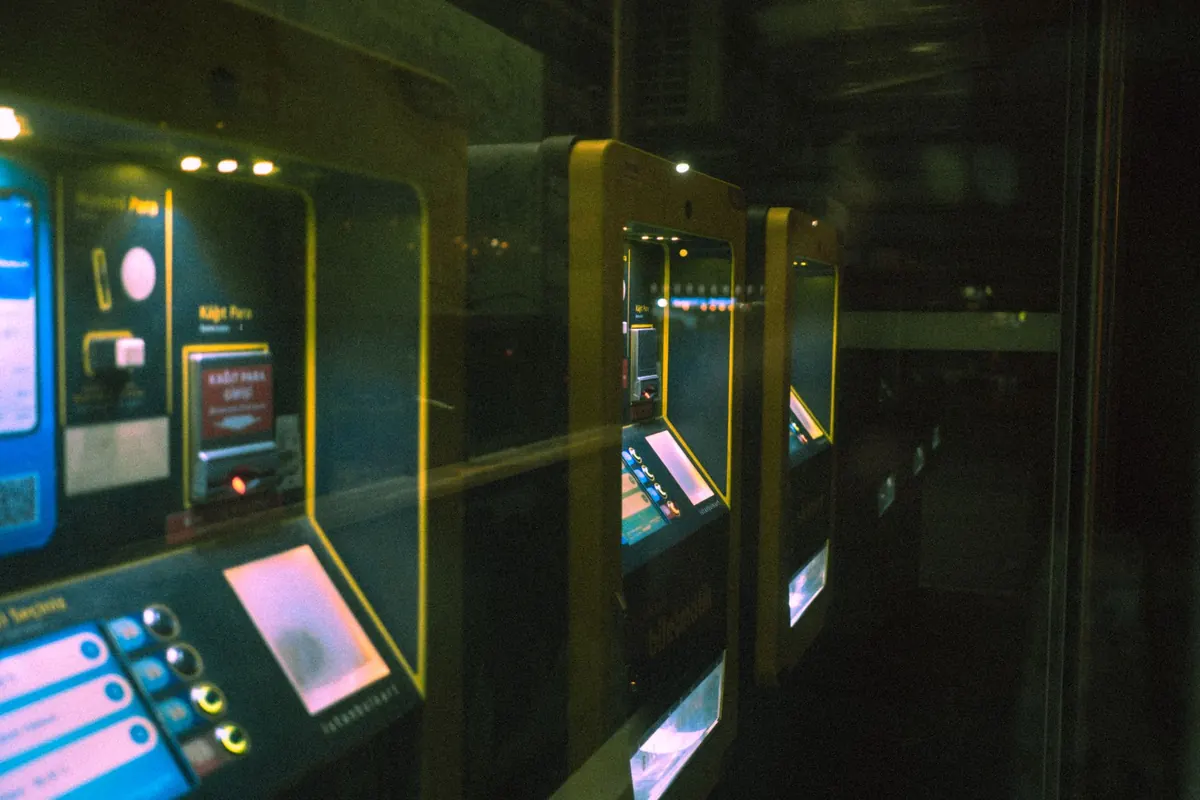
Hardware is the visible layer, and it is the easiest one to over-buy. The common pieces are a ticket dispenser or check-in kiosk at the entrance, a screen in the waiting area showing the current call and the wait, a small display or call pad at each counter, and speakers for audio announcements. Newer setups add mobile check-in, so a customer can join the queue from the parking lot, and tablets that staff carry instead of sitting at a fixed desk.
Two practical rules. First, match the hardware to the layout, not to the brochure. If your waiting area is a narrow corridor with no sightlines, a single screen at the far end is close to useless. Second, decide now how the queue behaves when the hardware fails, because it will. A printed fallback list and one staff member who knows the manual process keep a bad hour from turning into a bad day.
Software: The Rules Behind the Line
The software layer is where you describe your operation. Most systems ask you to configure the same handful of things:
- Services and queues — what a customer can ask for, and whether those requests share one line or several.
- Priority rules — who moves ahead, and by how much. Keep the number of priority groups small; three is usually plenty.
- Routing — which counter, desk, or staff member can handle which service.
- Appointments and walk-ins — whether booked customers join the same queue or a parallel one.
- Reporting — what you want to know next month: peak times, average wait, no-shows, service duration.
Write those rules on paper before you touch a settings screen. If you cannot explain the priority logic to a new hire in two sentences, it is too complicated for customers to trust — and too complicated for staff to defend when someone complains.
Staff Roles: The Layer That Makes It Work
Hardware and software set the stage; people keep the show moving. In most well-run queues, four roles matter:
- The greeter or flow host. Meets arrivals, checks they are in the right queue, helps with kiosks, and spots confusion early. This role pays for itself in any location with more than one service.
- Service staff. Call the next customer, update the status, and flag anything unusual — someone who needs longer, or a service that has suddenly become busy.
- The supervisor or queue owner. Watches the numbers through the day, opens extra counters at peaks, and decides when to bend the rules.
- The administrator. Maintains the software, updates services and staff lists, and pulls the reports.
In small operations one person wears several of these hats, which is fine. What matters is that someone owns the queue rather than assuming it looks after itself.
How the Layers Work Together
Here is the same journey from the customer's side. Notice how each layer hands off to the next.
- A customer checks in at the kiosk for a service that typically takes about ten minutes.
- The software assigns a position based on the queue's rules and estimates the wait.
- The waiting-area screen shows the number, the estimated wait, and the counters that handle that request.
- When a suitable counter frees up, the system calls the next customer; the staff member confirms on the call pad.
- The screen and speakers announce the counter number, and the customer walks over.
- The software logs the service time and feeds it back into the next estimate.
Every step is small. The value comes from the chain being unbroken, which is why a good greeter can matter as much as an expensive kiosk.
Mistakes Beginners Make
A short list of things that consistently cause trouble in the first few months:
- Launching with six service categories when two would cover most arrivals.
- Setting priority rules so wide that they cover half the queue.
- Buying displays before deciding what they should show.
- Skipping training on the manual fallback process.
- Never reviewing reports, so nobody notices the eleven o'clock pile-up until it becomes permanent.
Start With One Line, Then Improve
Pick your busiest single queue and manage only that for a month. Capture arrivals with a simple ticket or kiosk check-in, show the current call on one screen, and agree with your team on two priority cases. Ask staff each week what is confusing them, and change one thing at a time. The reports will point to the real bottlenecks, and only then is it worth adding services, extra screens, or mobile check-in. A queue system does not need to be elaborate to work. It needs to be honest about who is waiting, fair about the order, and clear about where to go next.
Photo: Sami Aksu / Pexels


You Might Also Like
Copying last week's rota is easy, and expensive. Here's how to forecast queue demand interval by interval, then match shift starts, breaks, and tasks to the curve.
Turn wait-time and arrival data into a clear, one-page business case for extra staff at peak hours, with numbers your manager can check.